Music Sync

Beat-synced music and rhythm alignment.

Last updated:

For MVs or rhythm-driven content, lining picture to the beat used to mean manual frame tweaking. Seedance 2.0 lets you upload a track; the model reads beat and mood and generates video that stays in sync—cuts and motion hit the beat. Skip the manual sync pass and get rhythm-ready output.

How to read capability pages

These pages are written as third-party reference summaries rather than official product documentation.

Source basis

Capability descriptions summarize public Seedance 2.0 launch materials, public project pages, and other publicly accessible explanatory write-ups.

Boundary

This site does not represent Seedance, official product support, or any authorized partnership unless a page explicitly states that with documented basis.

Timeliness

Platform access, supported features, pricing, UI, and availability can change. Use official or primary sources for current information.


Music Sync cover image

Sync video to music beats for rhythm-aligned output across music videos, ads, and other beat-driven content. How it works: upload a music track as @audio1 in your prompt. The model analyzes the track's beat structure, tempo changes, and mood shifts, then generates video where camera cuts, motion intensity, and visual transitions align with the musical rhythm. Scene changes can land on downbeats, camera movement speeds up during high-energy passages, and slower sections get calmer visuals. When to use this: music-video production where visual rhythm matters; brand ads tied to a soundtrack; social-media content where BGM-synced visuals drive engagement; event recaps or highlight reels set to music; dance or performance content where timing and beat-matching are critical. Tips and practical notes: choose a track with a clear beat structure for the strongest alignment — electronic, pop, and hip-hop tracks with defined kicks and snares work especially well. For complex tracks with time-signature changes, the model follows the most prominent rhythmic layer. You can combine music sync with other capabilities: use @video1 for camera motion reference and @audio1 for beat alignment simultaneously. Preview the first generation before scaling to catch any timing mismatches early.

Reference Example
999 Dermatitis Ointment x The DoublePharmaceutical + Film

AI Theater Music Beat Ads

Reported context

Needed to insert brand ads into a hit drama; required visuals to match the rhythm of the drama's music; traditional post-production adjustments were time-consuming

Reported use

Used music sync technology to upload the drama's BGM; AI automatically generated brand video content precisely aligned with the music beats

Cited / reported data

Public campaign recaps describe beat-aligned ad edits being used to support serialized brand content and improve watchability around the drama soundtrack.

Reading note:Beat analysis was used to align shot changes and motion timing without manual frame-by-frame adjustment.

Source basis

Illustrative cases on this site are compiled from public campaign recaps and secondary reporting available at the time of writing.

Time context

Metrics reflect the reported campaign period and should not be treated as current performance benchmarks.

Data note

Brand names and figures are cited for explanatory use only, not as endorsements, guarantees, or independently audited results.


Music Sync example image

Music Sync Examples

Beat alignment, MV style, transition sync.

Poster outfit change rhythm

E-commerceIntermediateRhythmic fashion reference video synchronized to music


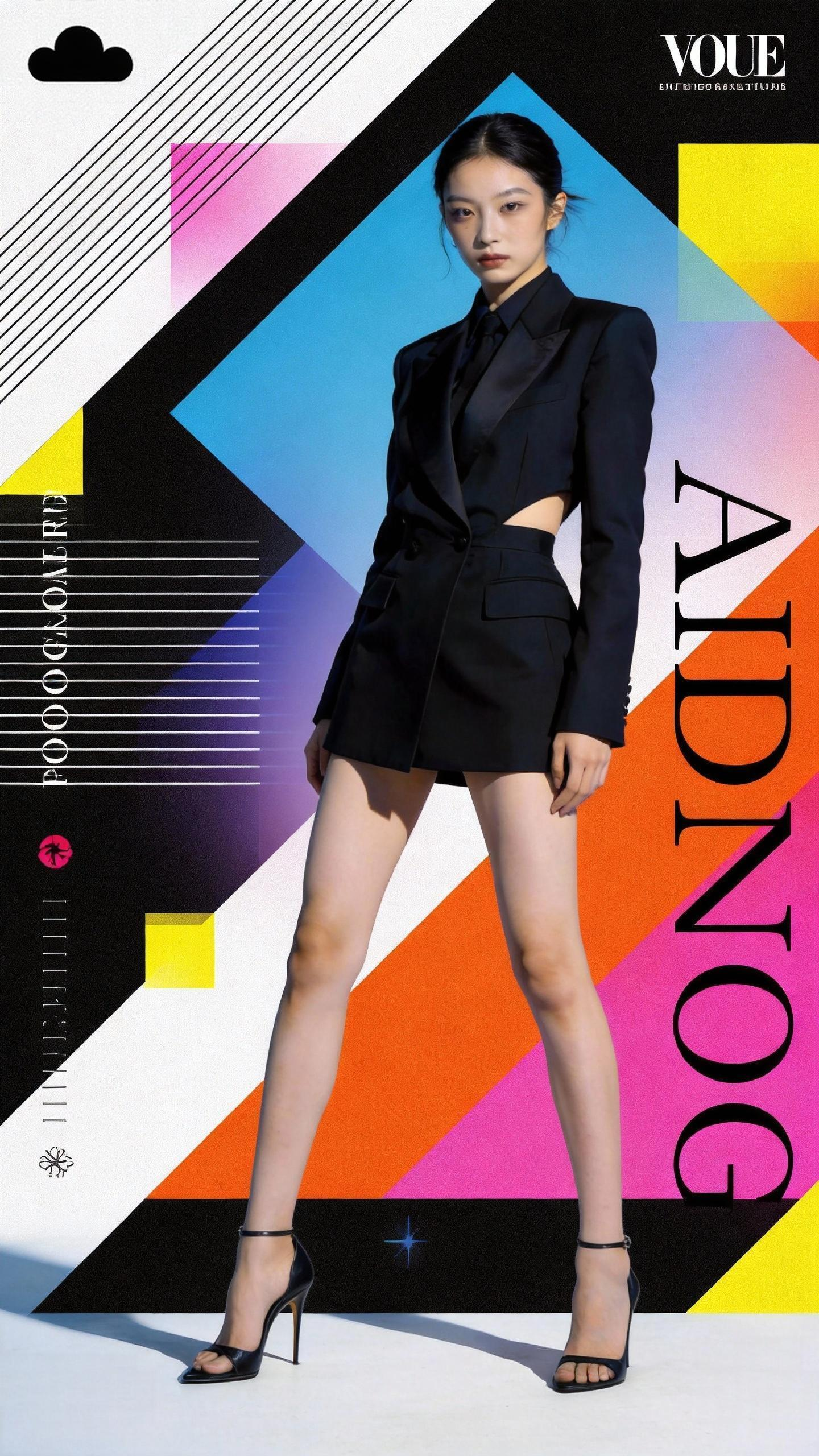
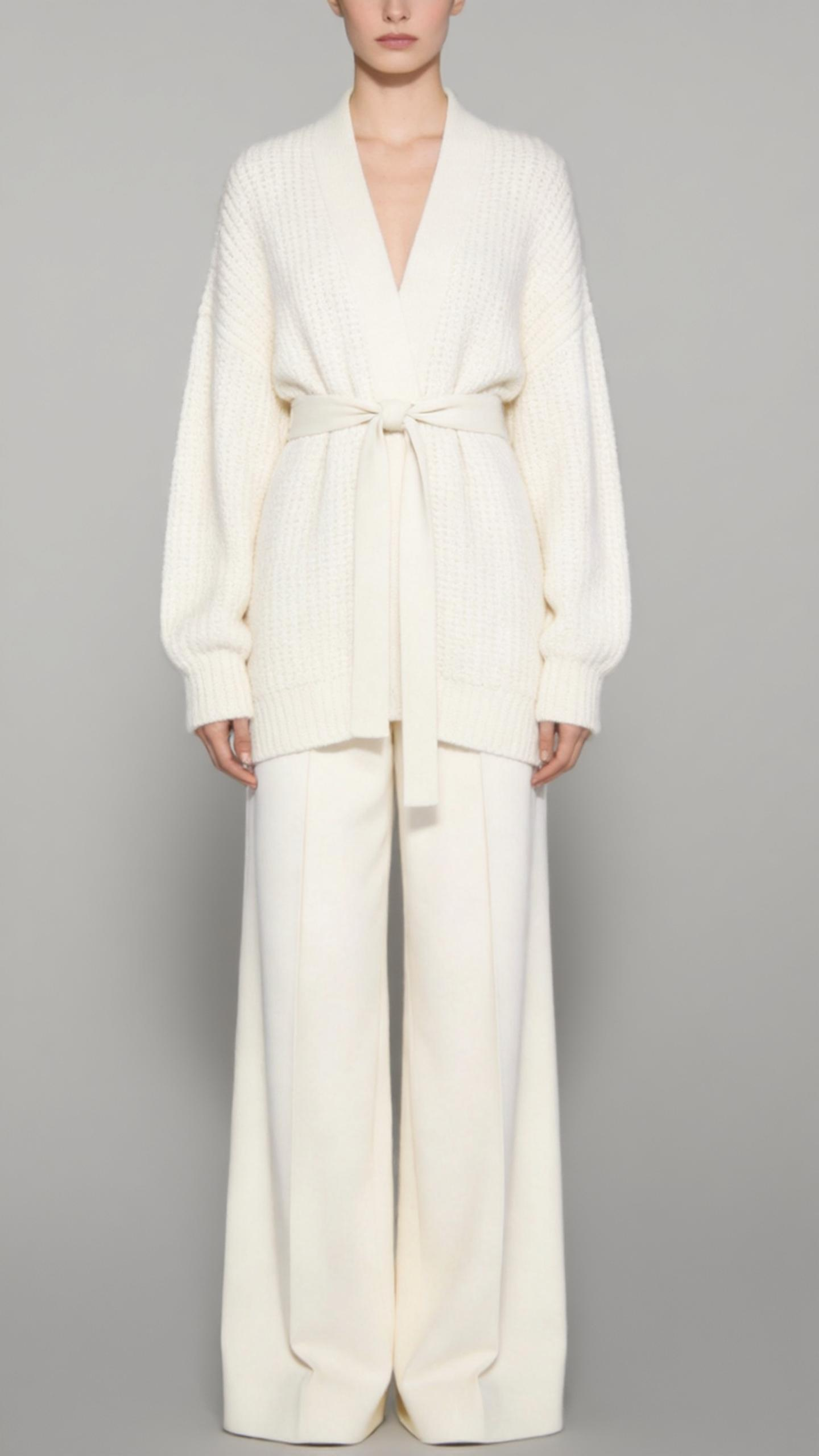
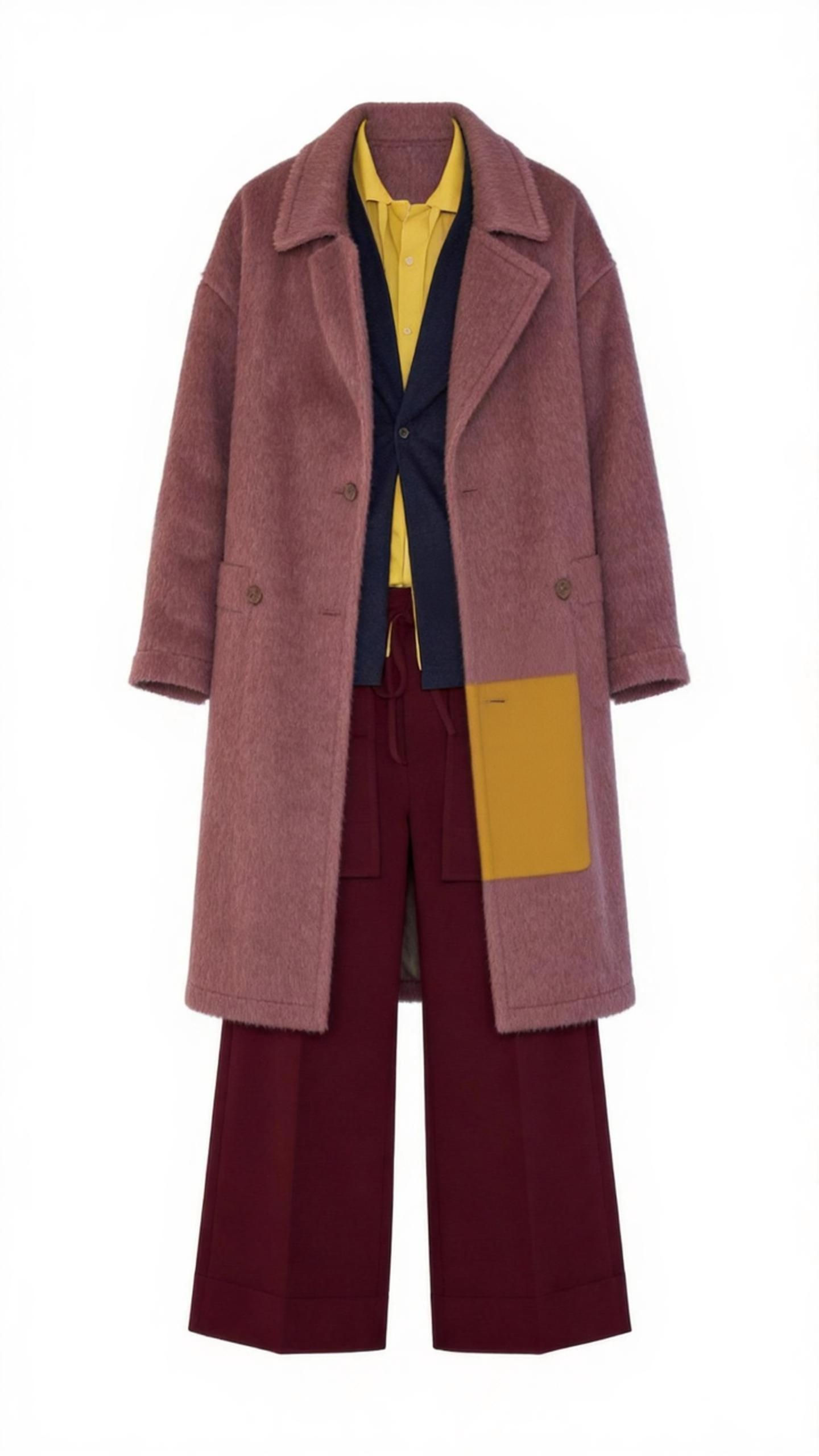
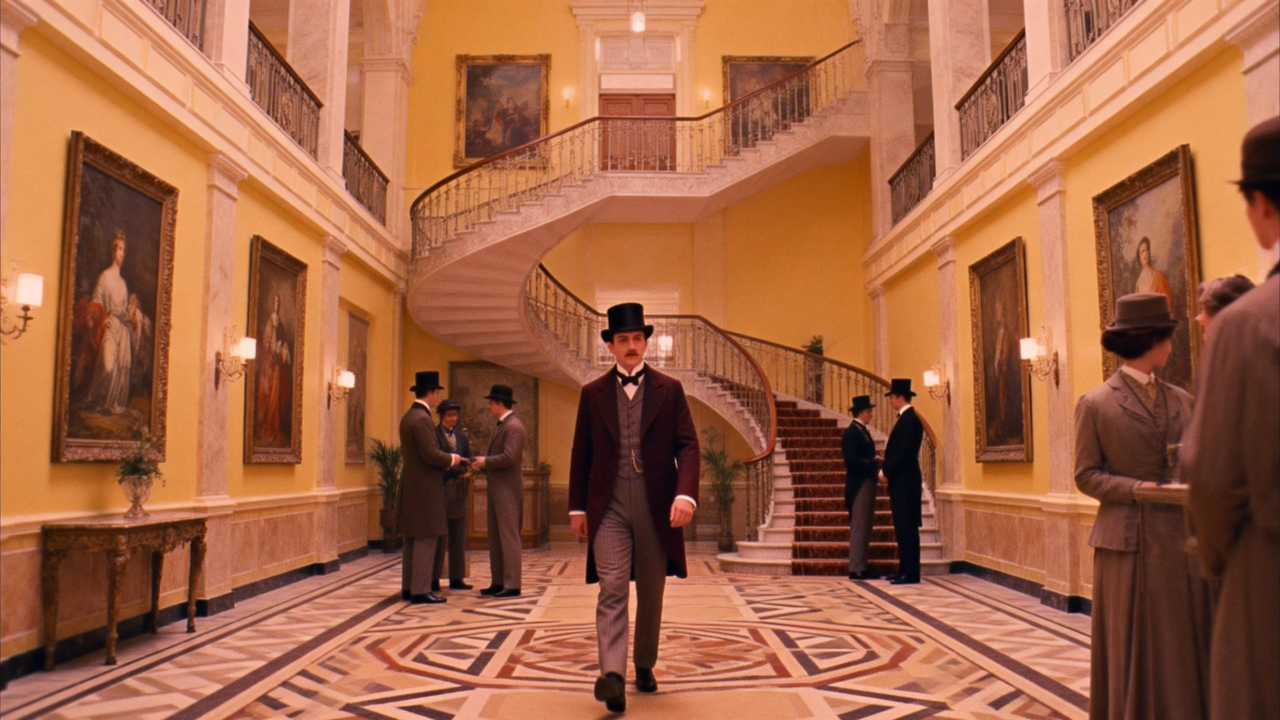
Girl in poster keeps changing outfits, style reference @image1@image2, holds @image3 bag, video rhythm reference @video1

Reference images

1Poster outfit change rhythm - Reference images 1

Reference images 1: Poster outfit change rhythm

2Poster outfit change rhythm - Reference images 2

Reference images 2: Poster outfit change rhythm

3Poster outfit change rhythm - Reference images 3

Reference images 3: Poster outfit change rhythm

Reference video

1Poster outfit change rhythm - Reference video 1

Reference video 1: Poster outfit change rhythm

Generated result

Seedance 2.0 Poster outfit change rhythm — Generated result

Generated result: Poster outfit change rhythm — Rhythmic fashion reference video synchronized to music

Style reference keyframe sync

Music MVAdvancedKeyframe-synced music video with style transfer

@image1~@image6 keyframe sync to @video1 rhythm, characters more dynamic, dreamy style, strong visual tension.

Reference images

1Style reference keyframe sync - Reference images 1

Reference images 1: Style reference keyframe sync

2Style reference keyframe sync - Reference images 2

Reference images 2: Style reference keyframe sync

3Style reference keyframe sync - Reference images 3

Reference images 3: Style reference keyframe sync

4Style reference keyframe sync - Reference images 4

Reference images 4: Style reference keyframe sync

5Style reference keyframe sync - Reference images 5

Reference images 5: Style reference keyframe sync

6Style reference keyframe sync - Reference images 6

Reference images 6: Style reference keyframe sync

Reference video

1Style reference keyframe sync - Reference video 1

Reference video 1: Style reference keyframe sync

Generated result

Seedance 2.0 Style reference keyframe sync — Generated result

Generated result: Style reference keyframe sync — Keyframe-synced music video with style transfer

Landscape transition sync

Music MVIntermediateScenic montage synchronized to music beats

@image1~@image6 landscape scenes, sync transitions and style to @video1 rhythm and music beats.

Reference images

1Landscape transition sync - Reference images 1

Reference images 1: Landscape transition sync

2Landscape transition sync - Reference images 2

Reference images 2: Landscape transition sync

3Landscape transition sync - Reference images 3

Reference images 3: Landscape transition sync

4Landscape transition sync - Reference images 4

Reference images 4: Landscape transition sync

5Landscape transition sync - Reference images 5

Reference images 5: Landscape transition sync

6Landscape transition sync - Reference images 6

Reference images 6: Landscape transition sync

Reference video

1Landscape transition sync - Reference video 1

Reference video 1: Landscape transition sync

Generated result

Seedance 2.0 Landscape transition sync — Generated result

Generated result: Landscape transition sync — Scenic montage synchronized to music beats

Storyboard chess anime sync

AnimeIntermediateStoryboard-timed anime sequence with dramatic pacing

8s intellectual battle anime, revenge theme. 0-3s: Female lead turns, sits, places piece, says You lose. 3-4s: Quick pan to man's face, gritting teeth. 4-6s: Cut, overhead, woman moves, crowd gasps. 6-8s: Pan down, black, fade in, dim room, woman at window: We'll see.

Generated result

Seedance 2.0 Storyboard chess anime sync — Generated result

Generated result: Storyboard chess anime sync — Storyboard-timed anime sequence with dramatic pacing

Frequently asked questions

How does music sync work?

Upload a music track. Seedance 2.0 reads beat and mood, then generates video with cuts and motion that hit the beat. Skip manual frame tweaking for rhythm-ready output.

Is music sync suitable for MVs and ads?

Yes. It can be used for music videos, rhythm-driven content, and ads that need visuals aligned with a soundtrack or BGM.

What music genres work best with beat sync?

Tracks with clear beat structures work best — electronic, pop, hip-hop, and any genre with defined kicks and snares. Complex classical or ambient tracks with no clear beat may produce looser alignment.

Can I use music sync with camera motion replication?

Yes. You can combine @audio1 for beat alignment and @video1 for camera motion reference in the same generation. The model handles both rhythmic timing and camera trajectory simultaneously.

Reviewer
Reviewed by Seedance2 Editorial Team
Last reviewed
Content basis
Third-party compilation from public sources

This content is compiled from publicly available materials and does not represent official product documentation.

Related capabilities