Plot twist subversion



Subvert @video1 plot, man's gaze shifts from gentle to cold, pushes heroine off bridge when she's off guard...
Reference video

Reference video 1: Plot twist subversion
Character replacement, trimming, and additions.
Last updated:
If a finished clip needs a person swapped, a scene adjusted, or an element added, this capability lets you edit existing footage through inpainting, character replacement, background extension, and add/remove operations.
These pages are written as third-party reference summaries rather than official product documentation.
Capability descriptions summarize public Seedance 2.0 launch materials, public project pages, and other publicly accessible explanatory write-ups.
This site does not represent Seedance, official product support, or any authorized partnership unless a page explicitly states that with documented basis.
Platform access, supported features, pricing, UI, and availability can change. Use official or primary sources for current information.

Edit existing videos by replacing characters, adjusting scenes, or adding and removing elements. How it works: select a region in your video (a character, an object, or a background area) and describe the change you want. The model inpaints the selected area while preserving the rest of the frame — motion, lighting, and temporal consistency are maintained across the edited section. Operations include character replacement, object removal, element addition, and background extension. When to use this: a finished ad where the brand ambassador changed and the person needs to be swapped without reshooting; product footage where an unwanted object is in frame; a scene where the background needs to be extended for a wider aspect ratio; post-production fixes to existing brand or entertainment footage. Tips and practical notes: the cleaner the selection boundary, the better the inpainting result. For character replacement, provide a reference image of the new character to guide appearance. The model handles motion continuity in the edited region, but complex interactions (two characters physically touching) may need more careful prompting. For best results, edit one element at a time rather than making multiple changes in a single pass.


Needed to insert brand ads into the hit costume drama 'Guardian of the Dafeng'; required preserving the original drama atmosphere while integrating brand messaging
Used video editing technology to perform character replacement and element addition/deletion in original drama clips, generating creative ads that blend the brand
Public campaign recaps cite 300 million ad impressions, more than 2.5 million views for one Chengdu pop-up session, and 230 million related topic reads.
Reading note:Existing drama footage was edited to insert brand elements while keeping the original scene structure.
Illustrative cases on this site are compiled from public campaign recaps and secondary reporting available at the time of writing.
Metrics reflect the reported campaign period and should not be treated as current performance benchmarks.
Brand names and figures are cited for explanatory use only, not as endorsements, guarantees, or independently audited results.

Character replacement, local redraw, element add/remove, plot twist subversion.
Subvert @video1 plot, man's gaze shifts from gentle to cold, pushes heroine off bridge when she's off guard...
Reference video

Reference video 1: Plot twist subversion
Subvert entire @video1 plot. Suited man at bar swirls glass, says big deal. Woman asks how big. He pulls out snack pack. She relaxes. Subtitle: Remember to snack even when busy.
Reference video

Reference video 1: Snack bar plot twist
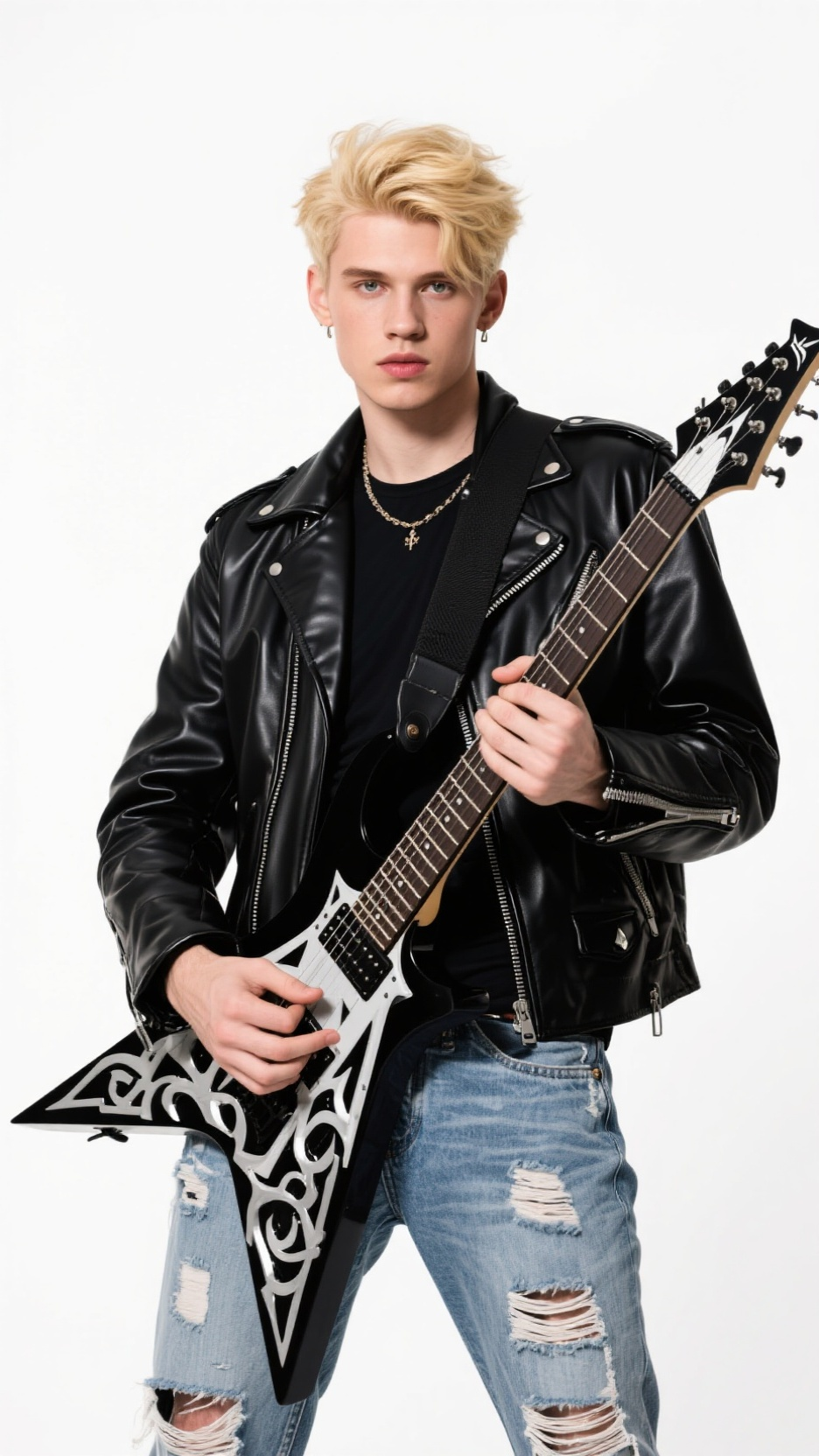
Replace female singer in @video1 with male singer from @image1, mimic original actions, no cuts, band plays.
Reference images

Reference images 1: Female singer → male singer
Reference video

Reference video 1: Female singer → male singer
Change woman's hair in @video1 to red long hair, great white from @image1 slowly surfaces behind her.
Reference images

Reference images 1: Hair color + great white shark
Reference video

Reference video 1: Hair color + great white shark
@video1 pan right, fried chicken vendor hands orders to queue, grabs @image1 branded bag, close-up of hand passing to customer.
Reference images

Reference images 1: Fried chicken package overlay
Reference video

Reference video 1: Fried chicken package overlay
You can perform inpainting, character replacement, background extension, and add or remove elements on AI-generated or live-action footage without rebuilding the entire clip.
Not necessarily. The capability is intended to adjust footage that already exists, such as swapping a person, changing a scene, or adding elements.
Yes. Provide a reference image of the new character and select the person to replace. The model swaps the character while preserving the scene's lighting, motion, and surrounding elements.
Yes. Both AI-generated and live-action footage can be edited. The model maintains temporal consistency across frames, so edits blend naturally with the existing footage.
Related guides
These guides add workflow, prompt, and use-case context around this capability so the page connects into the broader Seedance topic cluster.
Guide
Step-by-step Seedance 2.0 tutorial for beginners: text-to-video, image-to-video, prompt structure, settings, and your first generation on Dreamina. Updated March 2026.
Open guideGuide
Seedance 2.0 Omni-Reference multimodal input: up to 9 images, 3 videos, 3 audio + text. @ tag system for referencing assets. Native audio-video joint generation.
Open guideGuide
Best practices for Seedance 2.0: prompt formulas, reference assets, camera and motion wording, and quality checks. Based on public guides.
Open guide