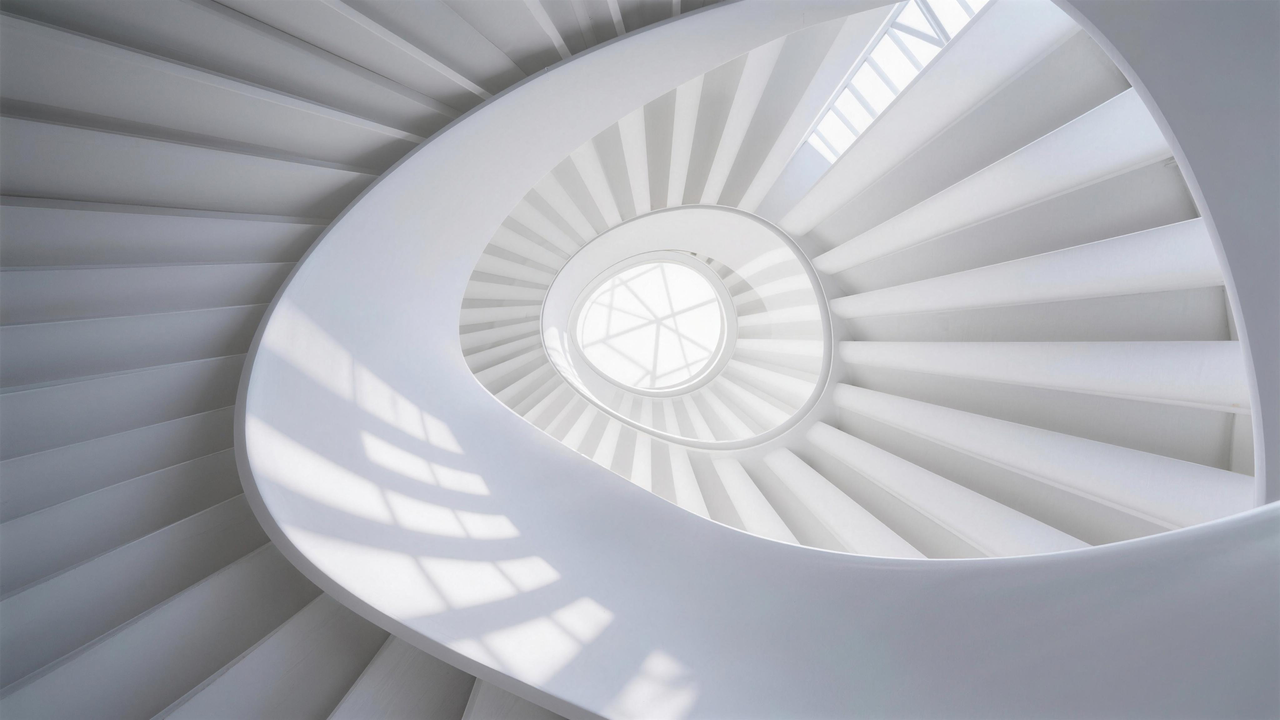
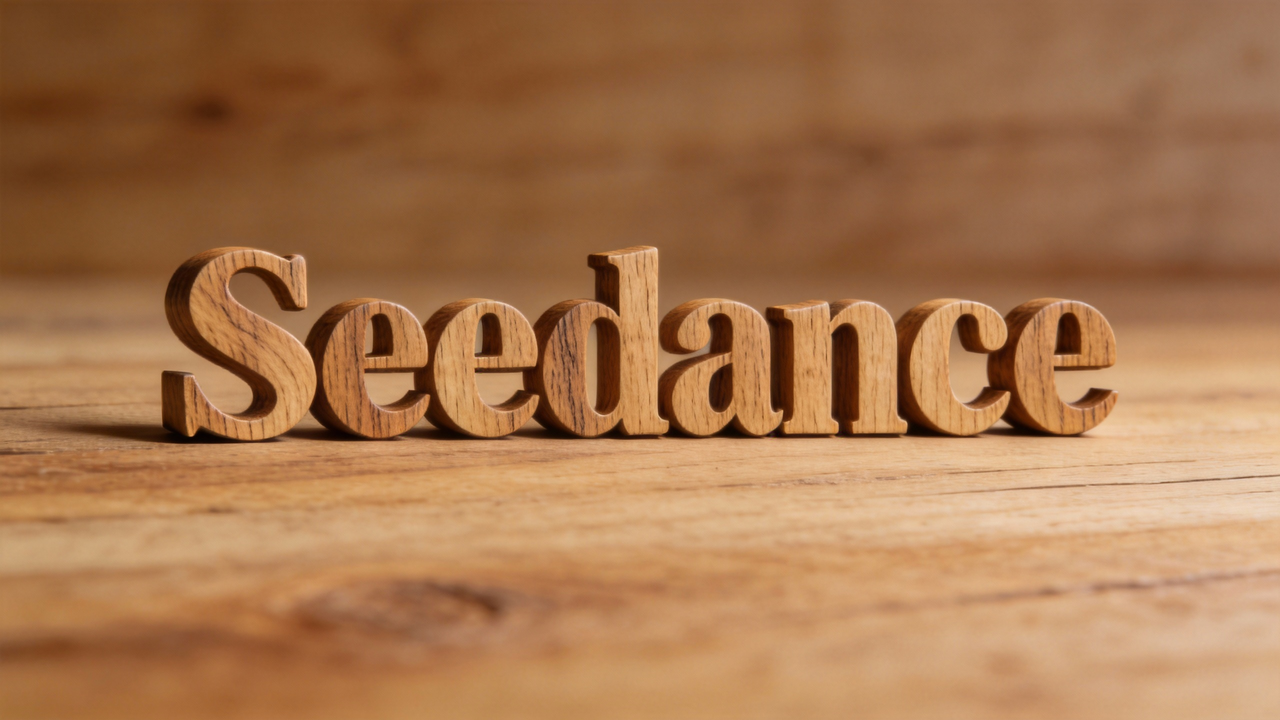
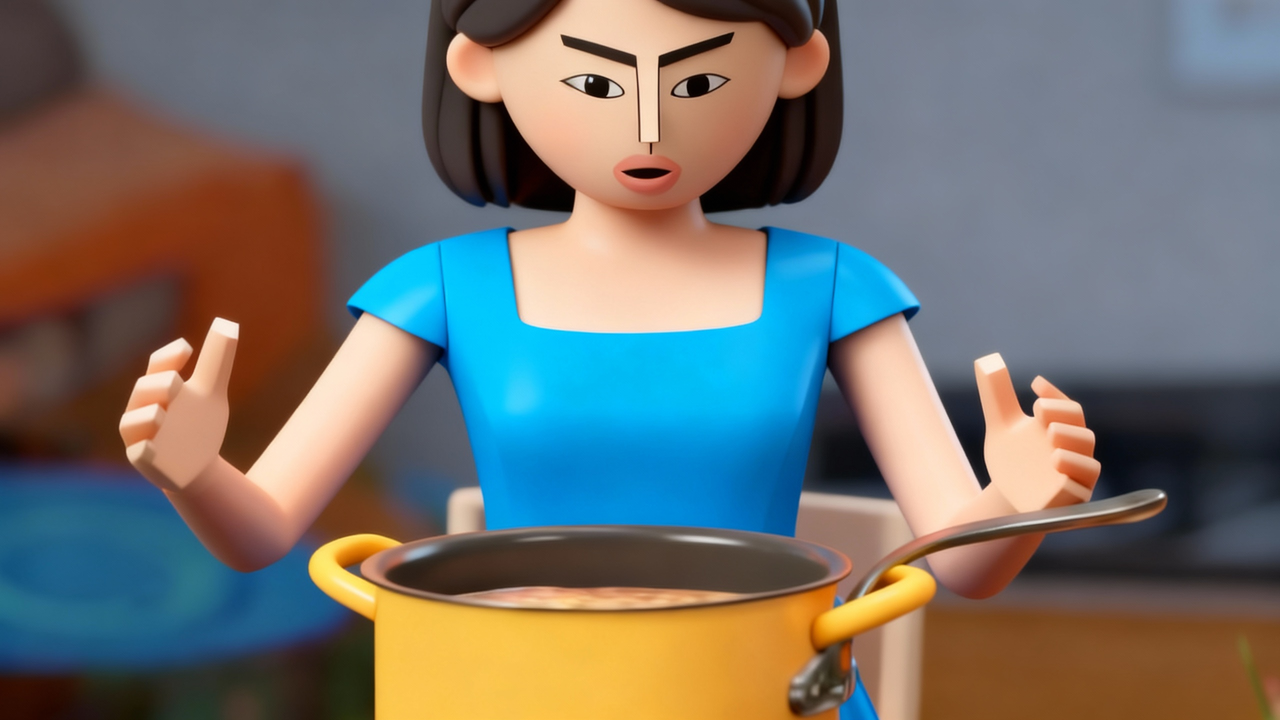




Replicate creative templates and complex visual effects.

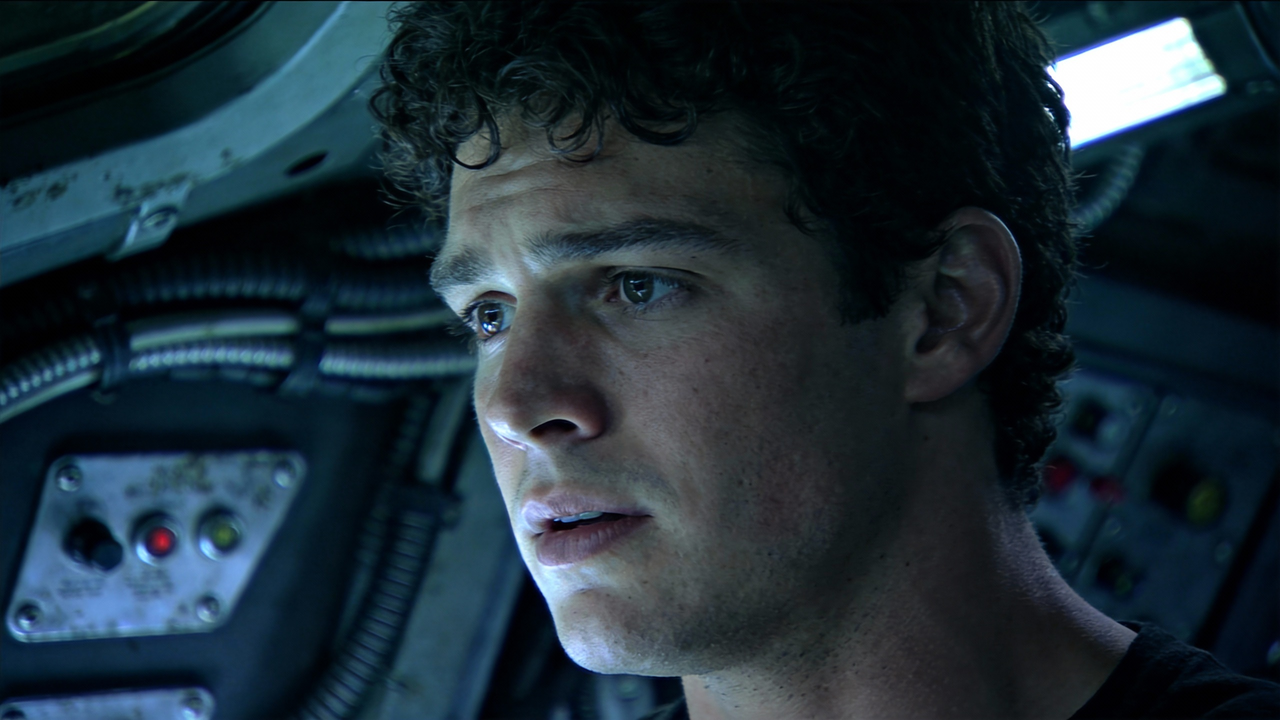
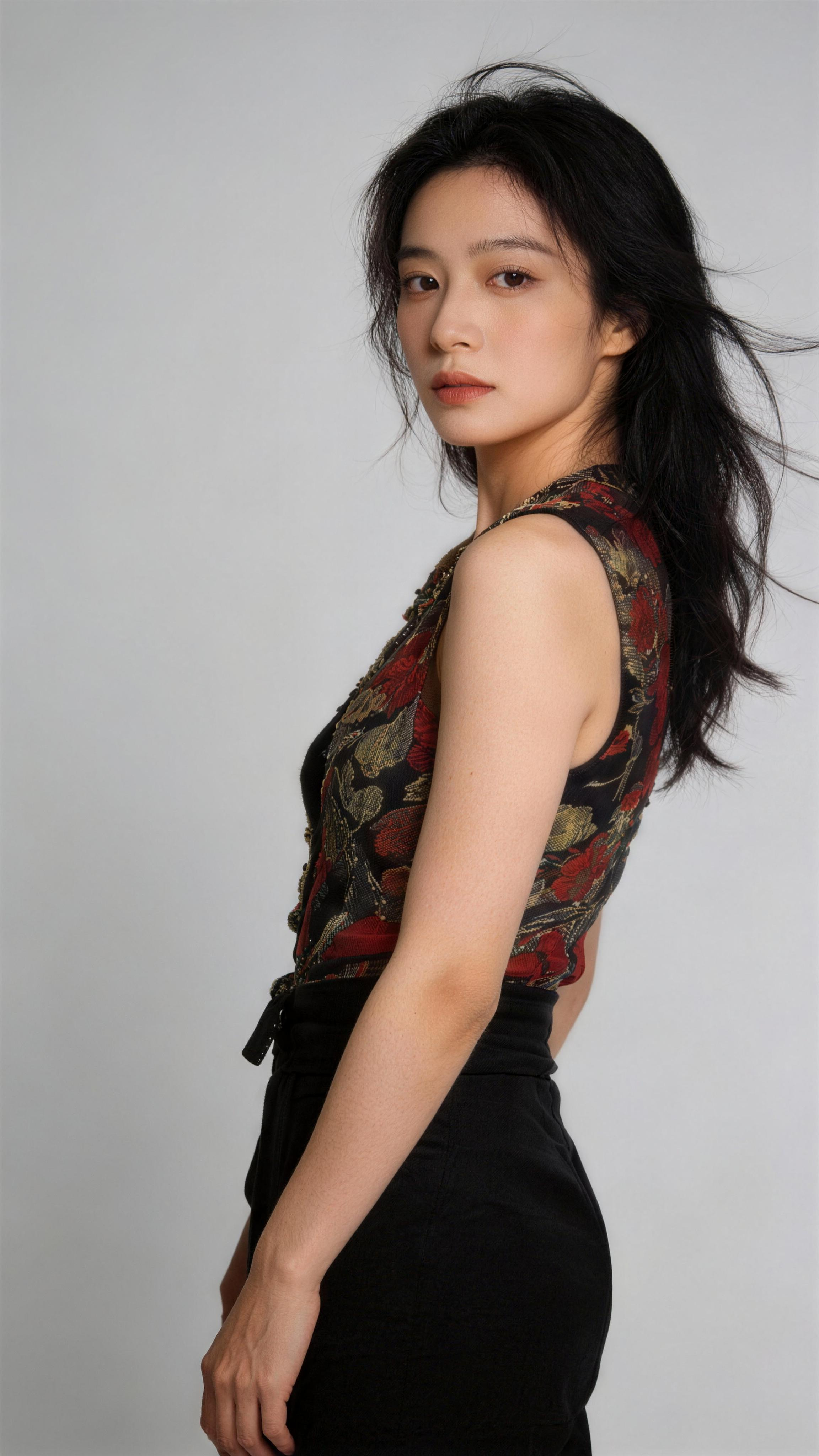
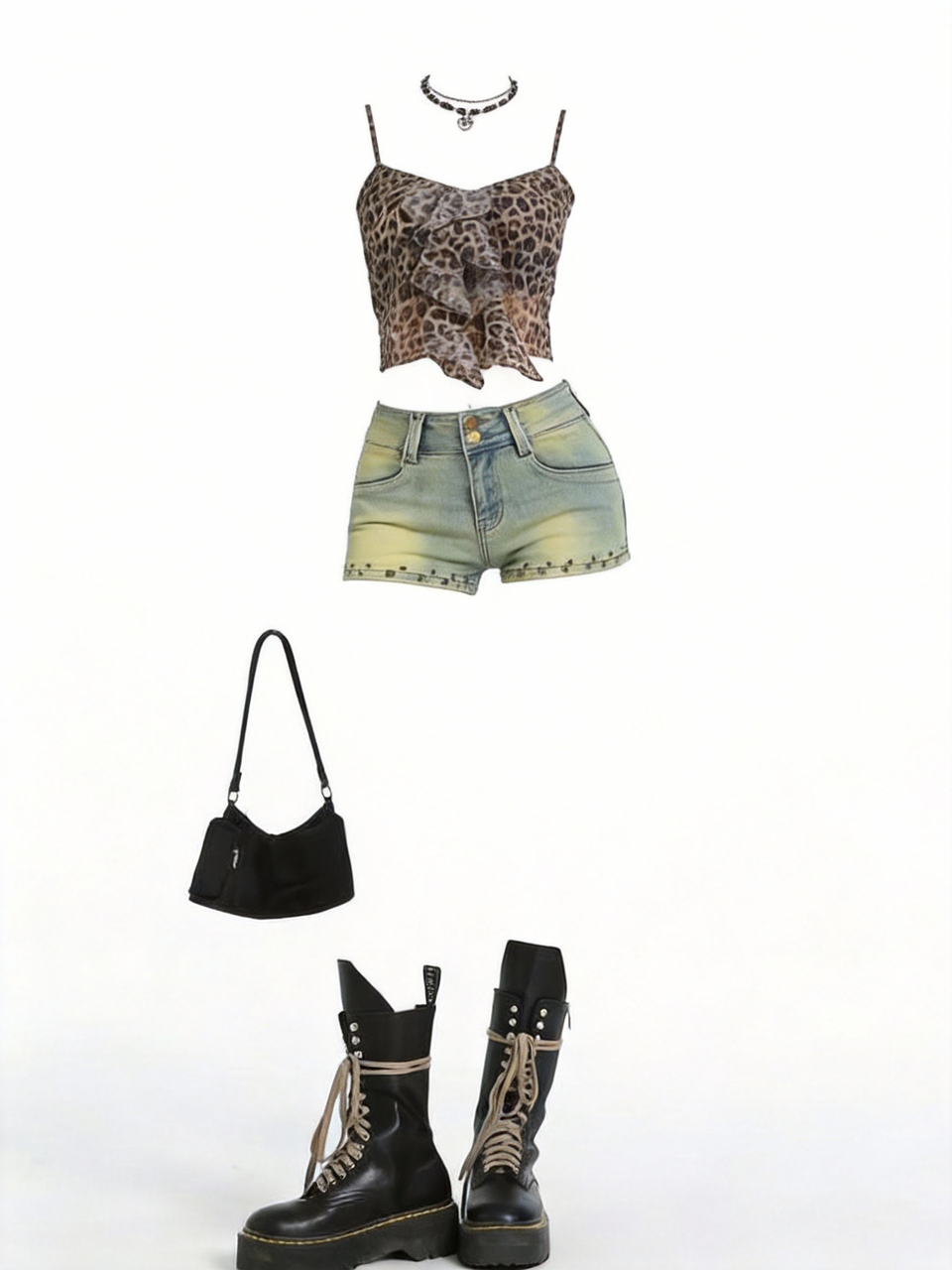
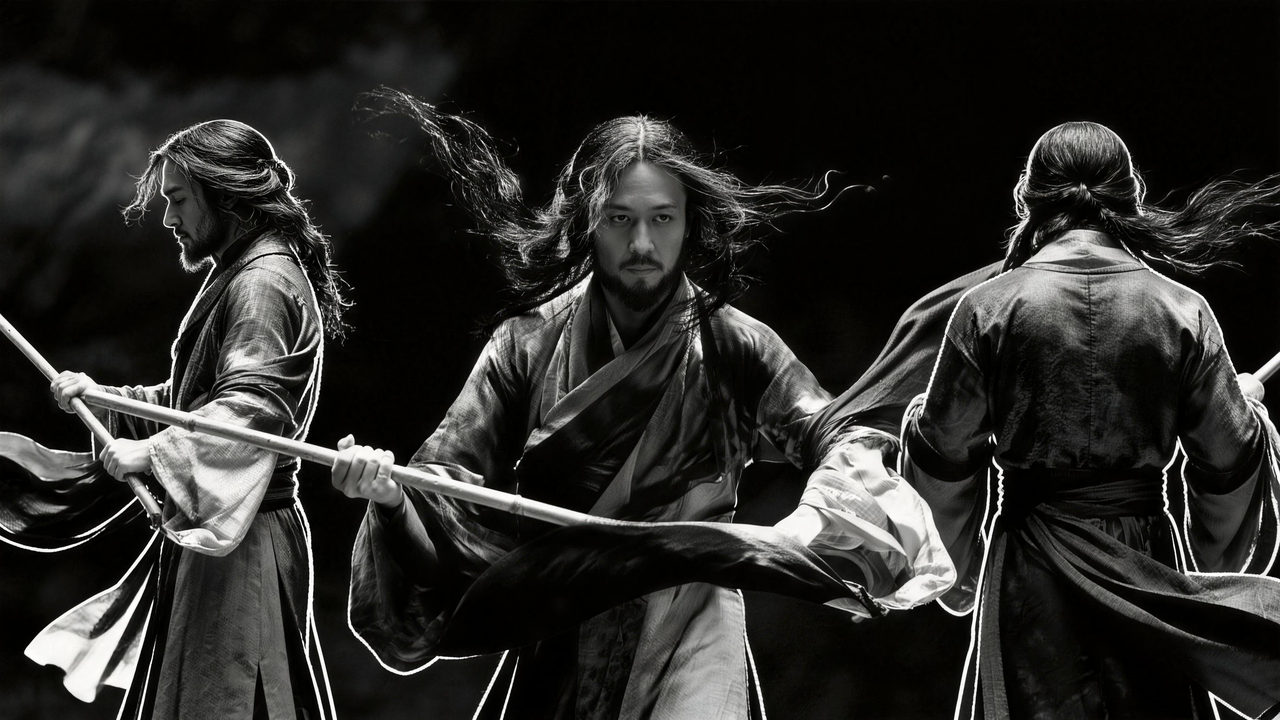
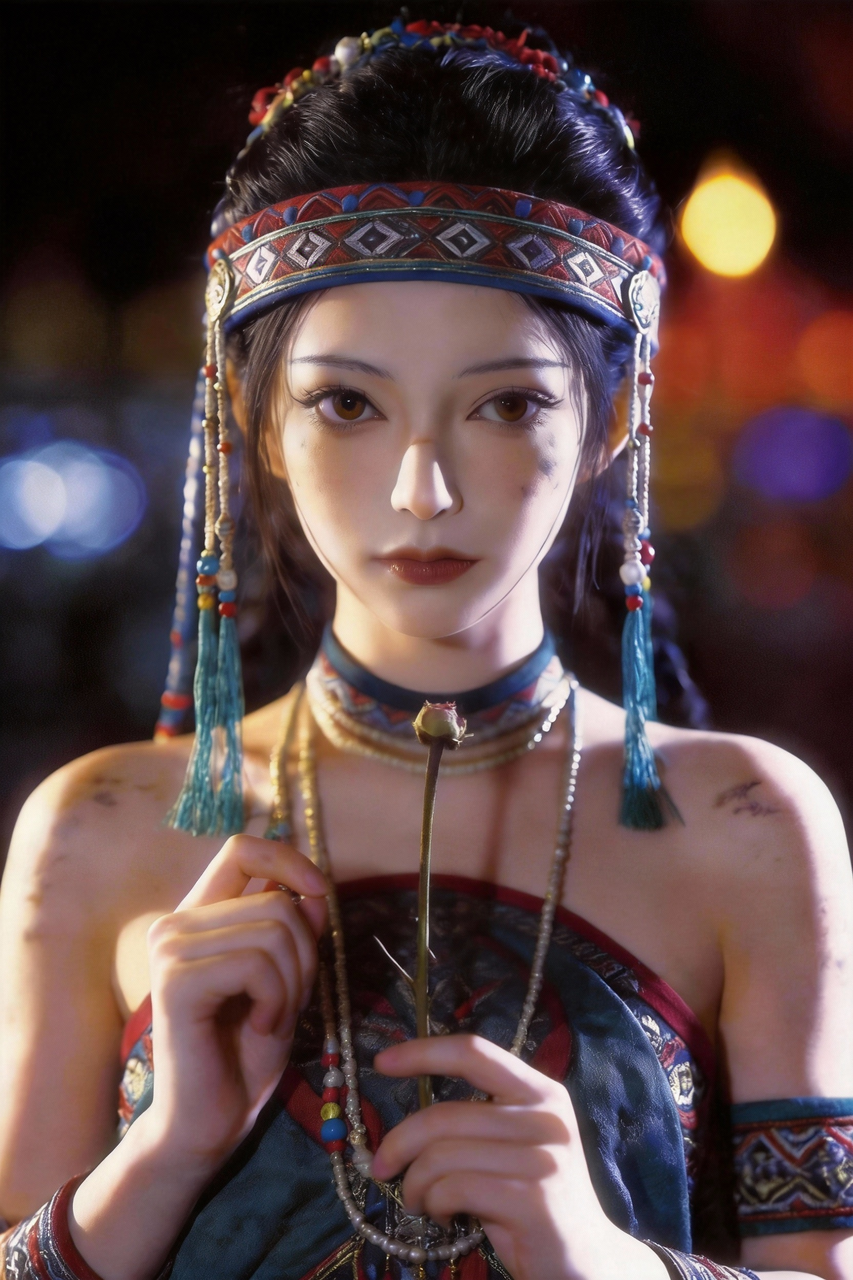
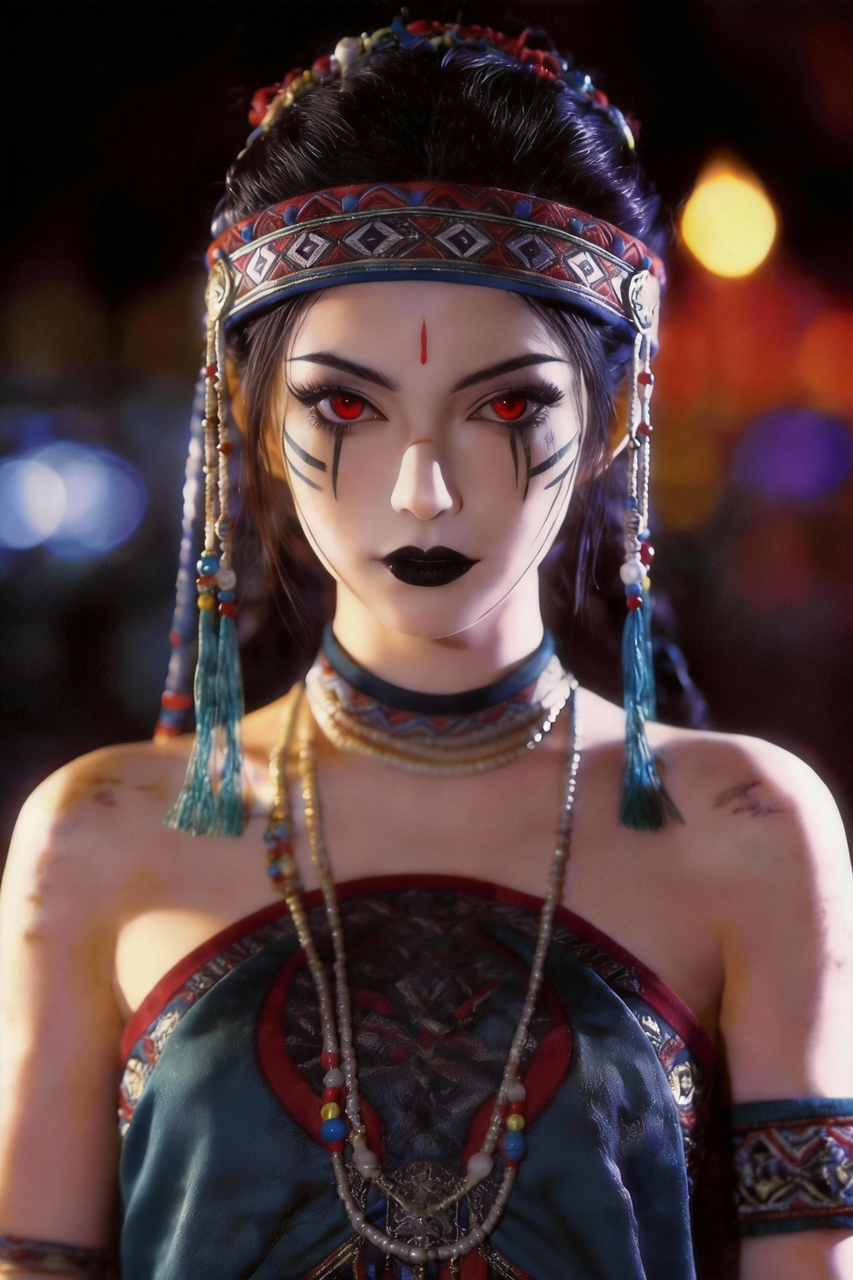



Seedance 2.0 isn’t limited to generating fresh footage; it can also adapt from references. Creative transitions, ad spots, film clips, and complex edits can all be guided by a reference image or video. The model reads motion, camera language, and visual structure, then recreates a similar result. You don’t need jargon; just describe what you want to reference, for example “reference @video1’s rhythm and camera moves, @image1’s character look,” and the model can generate a corresponding version.
Use reference images or videos to replicate creative templates and complex visual effects accurately.
How it works: provide a reference image or video that captures the style, rhythm, or visual treatment you want. The model reads motion patterns, color palette, composition, and visual texture from the reference, then generates new content in that style with your subject and scene. Use @image1 or @video1 tags to specify what serves as the style source.
When to use this: scaling a proven ad template across products or markets; adapting a viral visual style for your brand; recreating a film-look treatment (vintage grain, cyberpunk neon, hand-painted animation) without manual post-production; personalizing a creative at scale for interactive campaigns where each user receives a styled variant.
Tips and practical notes: you don't need professional VFX terminology — plain descriptions like 'match @video1's color mood and transition rhythm' work well. If you want only the color palette from one reference and the motion from another, split them: @image1 for color, @video1 for movement. The model handles blending. For branded templates, keeping the same reference across generations ensures that campaign visual identity stays consistent.